Endless Runner (Demo)
A downloadable game
Endless Runner Made By Timi Jia
This is a small demo I made for my school's COT Assessment.
Tips:
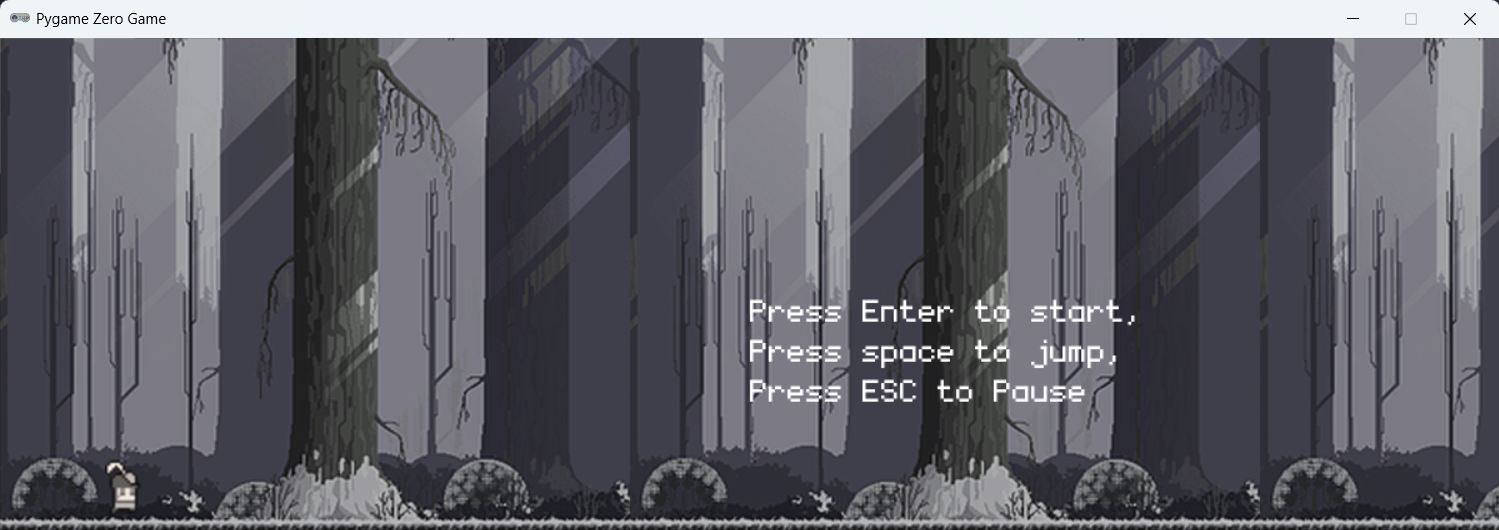
Press Enter to start/end the game,
Press Space to jump,
Press Escape to pause.
Here are the download methods:
Download
Install instructions
Download
Step 1: Install Python
- Visit https://www.python.org/downloads/ and download the latest version of Python (make sure it's version 3.6 or higher).
- Run the downloaded installer. During the installation process, ensure to select the option "Add Python 3.x to PATH" to make Python accessible from the command line.
- After installation, open your command line interface (Command Prompt for Windows, Terminal for macOS and Linux) and type `python --version` to check the installation. You should see the installed Python version displayed.
Step 2: Install Pygame Zero
Pygame Zero (pgzero) is a simplified game development library aimed at beginners and educational environments. It makes creating games with Python much easier, which is ideal for our game, Endless Runner.
Install Pygame Zero by executing the following command in your command line:
pip install pgzero
This command utilizes pip, the package installer for Python, to fetch and install the Pygame Zero library from the Python Package Index (PyPI).
And please download pygame follow the same progress :
pip install pygame
Step 3: Install Game:
Now that you have Python and Pygame Zero ready, the next step is to download the Endless Runner game files.
- Obtain the Endless Runner game files from the provided download link.
- Extract the files from the downloaded ZIP archive to a directory of your choice. This directory will now contain all necessary files to run Endless Runner.
- Run "main.py" and enjoy my game.
Development log
- DEMO-0.1.2Mar 26, 2025
- DEMO-0.1.1Mar 25, 2025
- DEMO-0.1.0: Game ReleasedMar 25, 2025